Machine Vision Kit
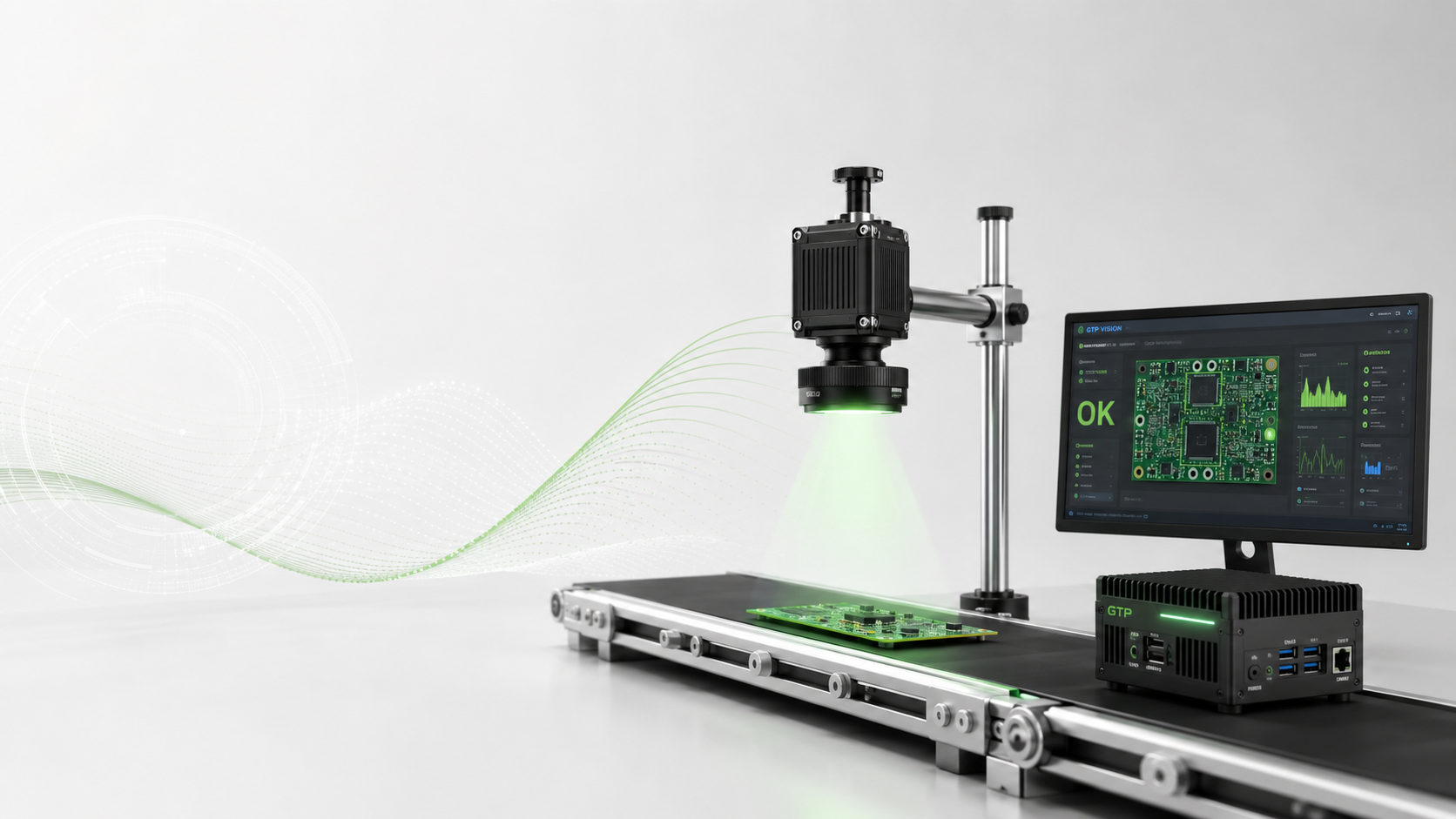
GTP Vision Kit — complete machine visiondevelopment kit
Everything you need to build and deploy a production-grade machine vision inspection system — camera, illumination, processing unit, SDK and integration support — in a single, pre-configured kit.
Kit Contents
Everything you need, nothing you don't.
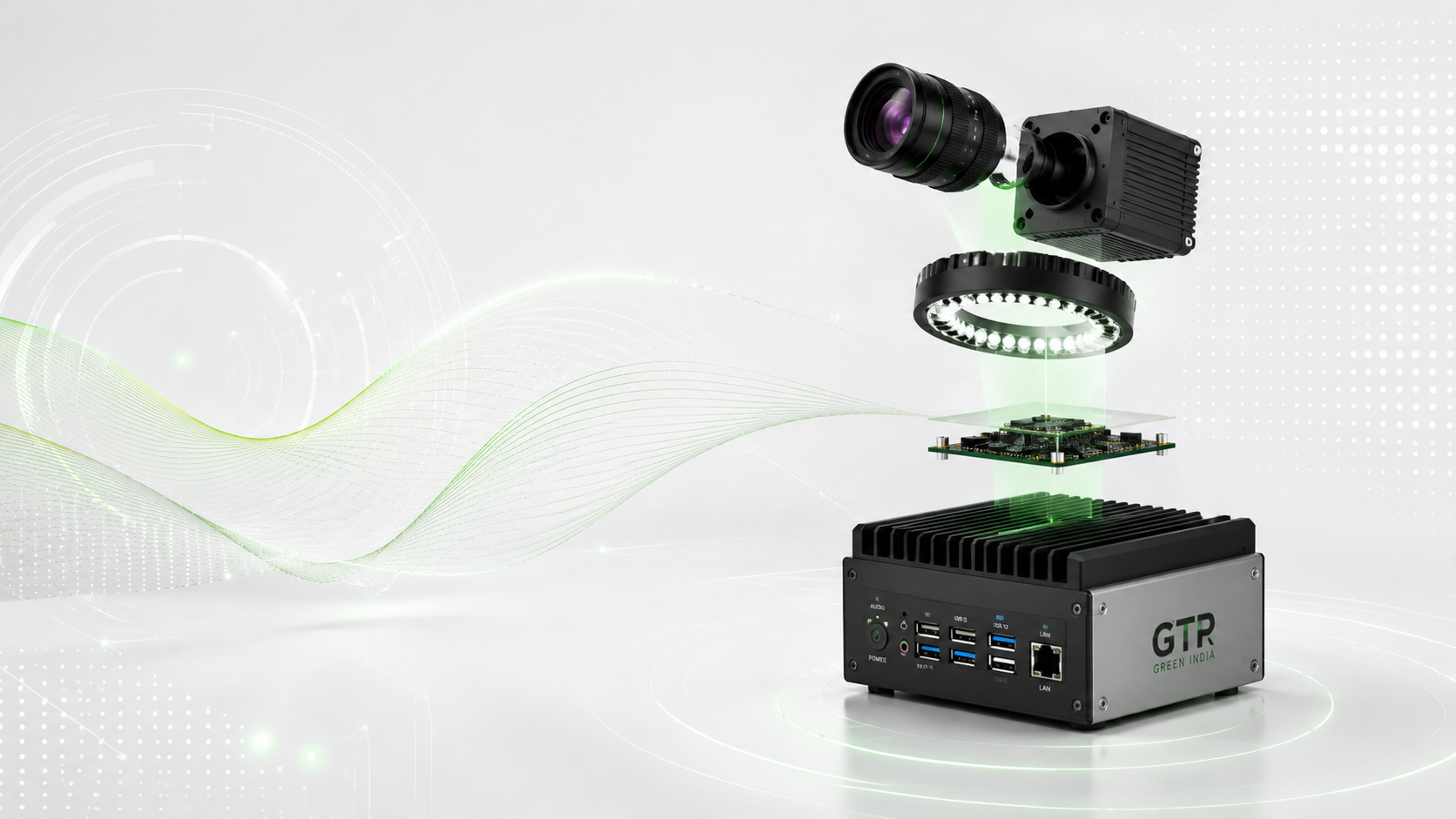
The GTP Vision Kit is curated for rapid deployment — every component has been selected and tested to work together out of the box.
Camera + Lens
High-resolution area-scan camera with matched lens selected for your inspection distance. Choice of 2 MP to 20 MP sensors.
Illumination Module
GTP Illuminator with Ring, Bar and Dome adapters included. Covers the majority of surface and form inspection scenarios.
Processing Unit
Pre-configured Intel NUC running the GTP Vision runtime. Arrives ready to run — just connect camera and display.
SDK + Software Licence
Full GTP Vision SDK with Python, C++ and LabVIEW bindings. Unlimited developer seat licence for your organisation.
Mounting Hardware
Camera stand, lens adapter rings, illumination bracket and all cables needed for the initial installation.
Integration Support
30 days of dedicated support from a GTP vision engineer to help you integrate into your production line.
Full technical specifications.
Specifications for the GTP Vision Kit standard configuration. Custom configurations available on request.
| Resolution Range | 2 MP – 20 MP |
| Frame Rate | Up to 120 fps |
| Camera Interface | GigE Vision / USB3 Vision |
| SDK Languages | Python / C++ / LabVIEW |
| Lighting Included | Ring / Bar / Dome |
| OS Support | Windows 10+ / Ubuntu Linux |
| Processing Unit | Intel NUC (i5/i7 options) |
| Support Included | 30-day integration support |
Quick Start
From unboxing to live inspection in days.
The GTP Vision Kit is designed for fast deployment — follow our four-step onboarding process and you'll be running live inspection within a week.
Site Survey
A GTP vision engineer visits your facility to understand the inspection requirement, lighting environment and integration points.
- Identify inspection points and lighting conditions
- Define pass / fail criteria with quality team
- Select camera resolution and frame rate requirements
Hardware Setup
Mount the camera, illumination and processing unit. Connect cables, power on the system and verify image quality.
- Mount camera and illumination using included hardware
- Connect all cables and power on the processing unit
- Verify live image quality in GTP Vision Studio
SDK Integration
Use the GTP Vision SDK to write inspection logic or use the no-code inspector for simple pass/fail applications.
- Use the Python/C++ SDK or no-code inspector
- Train with golden-sample reference images
- Define inspection regions and threshold parameters
Go Live
Validate against your golden samples, connect to your PLC or reject mechanism and go live on the production line.
- Connect digital I/O to PLC or reject mechanism
- Run validation against defect library
- Hand over to operations with full documentation
Start your machine vision journey the right way.
Book a demo at our Bengaluru facility or request an on-site feasibility study for your inspection application.